Account & Risk Management
Overview
Understanding your account metrics is essential to staying within a challenge's risk rules and protecting your account.
Q: Where do I find my account numbers now?
A: Three places:
-
Top challenge bar (always visible): account/challenge name, Daily LL, Trail LL, Profit Tgt, and an OBJECTIVES link.

-
Bottom stats strip (always visible, on the trading screen): Bal. (Balance), Eqty (Equity), UP&L (Unrealized P&L), Free Mrgn (Free Margin).

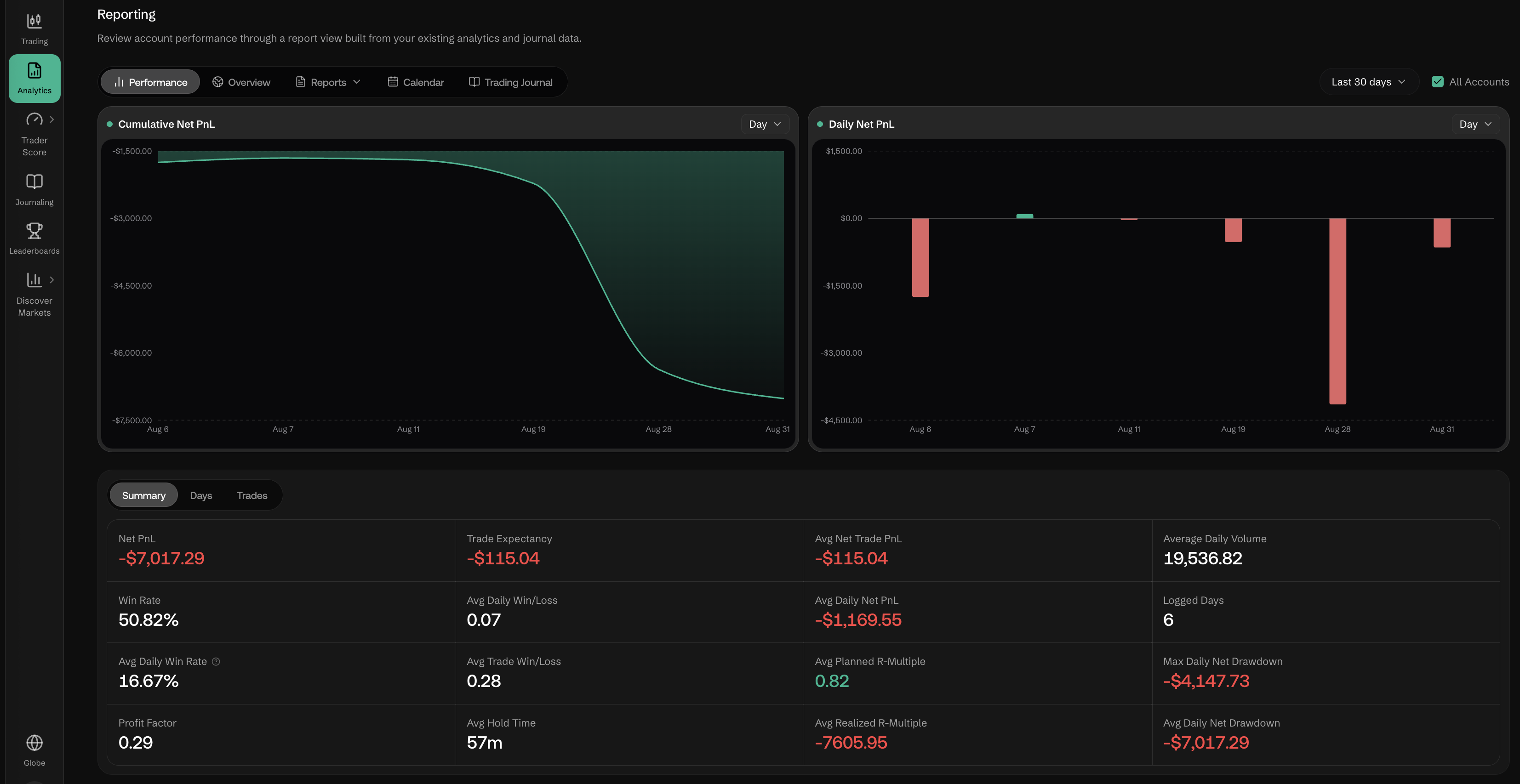
- Analytics → Reporting: Net PnL, Trade Expectancy, Win Rate, and other realized-performance metrics — this is where the old "RP&L" concept now lives, expanded into a full reporting view (Performance / Overview / Reports / Calendar / Trading Journal tabs).
Q: What is the difference between Balance and Equity?
A: Balance (Bal.) is your account's cash value — it only changes when a trade is closed. Equity (Eqty) is your real-time net worth: Balance ± all open position P&L. If you have no open trades, Balance and Equity are equal. Unchanged from the previous documentation.
Q: What is Unrealized P&L (UP&L), and where did Realized P&L (RP&L) go?
A: UP&L is the running profit or loss on your currently open positions — shown live in the bottom stats strip. There is no longer a single RP&L figure in that strip; realized profit/loss is now reported as Net PnL (and related breakdowns like Trade Expectancy, Avg Net Trade PnL, Win Rate) inside Analytics → Reporting, with cumulative and daily P&L charts.
Q: What is the Trailing Drawdown Limit (Trail LL), and how is it different from the old Max Drawdown Limit (Max LL)?
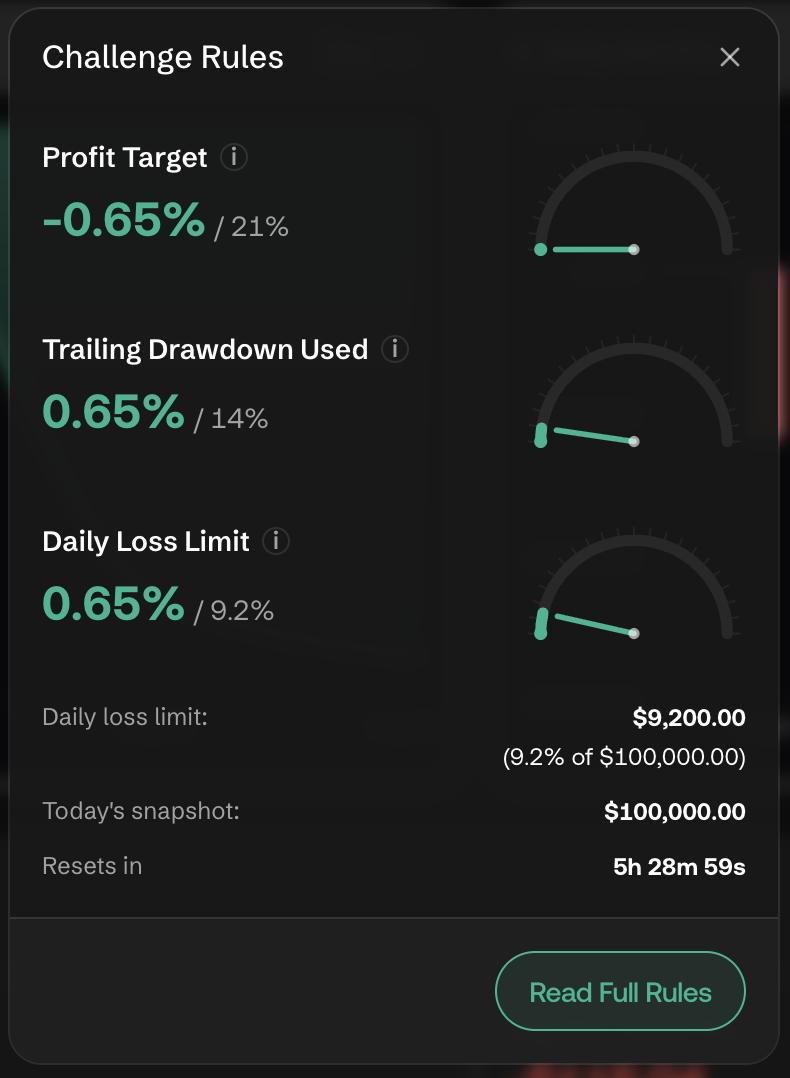
A: Trail LL is shown in the top bar as a dollar floor (e.g., "$86,000.00") and, inside the Challenge Rules panel (click OBJECTIVES), as a percentage gauge — "Trailing Drawdown Used: X% / 14%" in the example account observed while writing this doc. A trailing drawdown limit moves up as your account's high-water mark rises, rather than staying fixed at a level set when the challenge began — this is the key behavioral difference from a flat Max LL. Breaching it can end the challenge, same consequence as the old Max LL.
Q: What is the Daily Loss Limit (Daily LL)?
A: Shown in the top bar as a dollar amount (e.g., "$90,700.00") and, in the Challenge Rules panel, as a percentage used against the day's opening snapshot (e.g., "Daily Loss Limit: X% / 9.3%", with the exact dollar limit, today's starting balance, and a countdown to reset). It resets daily. If your equity drops to or below the Daily LL, trading for that day may be restricted. This concept carries over from the previous documentation; only the presentation (top bar + gauge) is new.
Q: What is Free Margin and why does it matter?
A: Free Margin (Free Mrgn), shown in the bottom stats strip, is the portion of your equity not currently held as collateral for open positions — the funds available to open new trades. It's also echoed as Available at the bottom of the Order Panel while you're sizing a trade. If Free Margin drops too low, you may not be able to open additional positions.
Q: What is the Profit Target?
A: New since the previous documentation. Shown in the top bar as Profit Tgt (e.g., "-0.65% / 21%") and as a gauge in the Challenge Rules panel — your account's current progress toward the profit percentage required to pass or advance the challenge.
Q: How do I monitor my risk in real time?
A: Watch the top bar (Daily LL, Trail LL, Profit Tgt) continuously while trading, open OBJECTIVES → Challenge Rules for the detailed gauges and countdown, and check Analytics → Reporting periodically for realized performance. The Order Panel also surfaces per-trade Required Margin, Max Slippage, and Leverage before you submit, so you can sanity-check risk on each order individually — see Placing Trades.
Q: Is there anything new for managing trading behavior, not just account numbers?
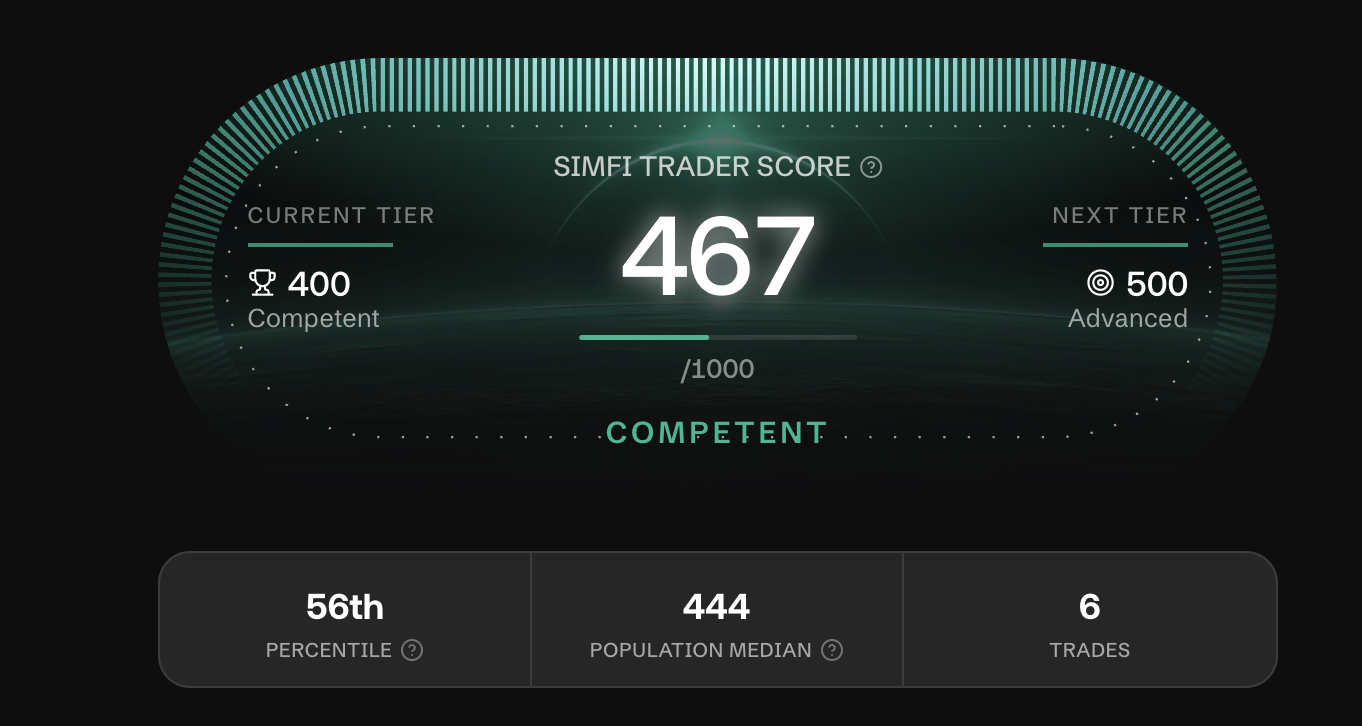
- Trader Score (left sidebar): Execution Quality, Risk Integrity, Session Repeatability, Revenge Control, and Regime Robustness — behavioral scoring on top of raw P&L.
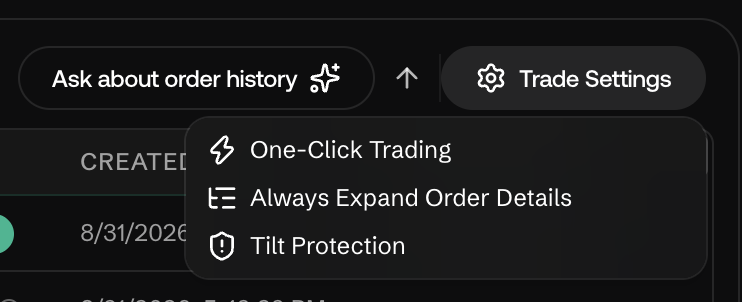
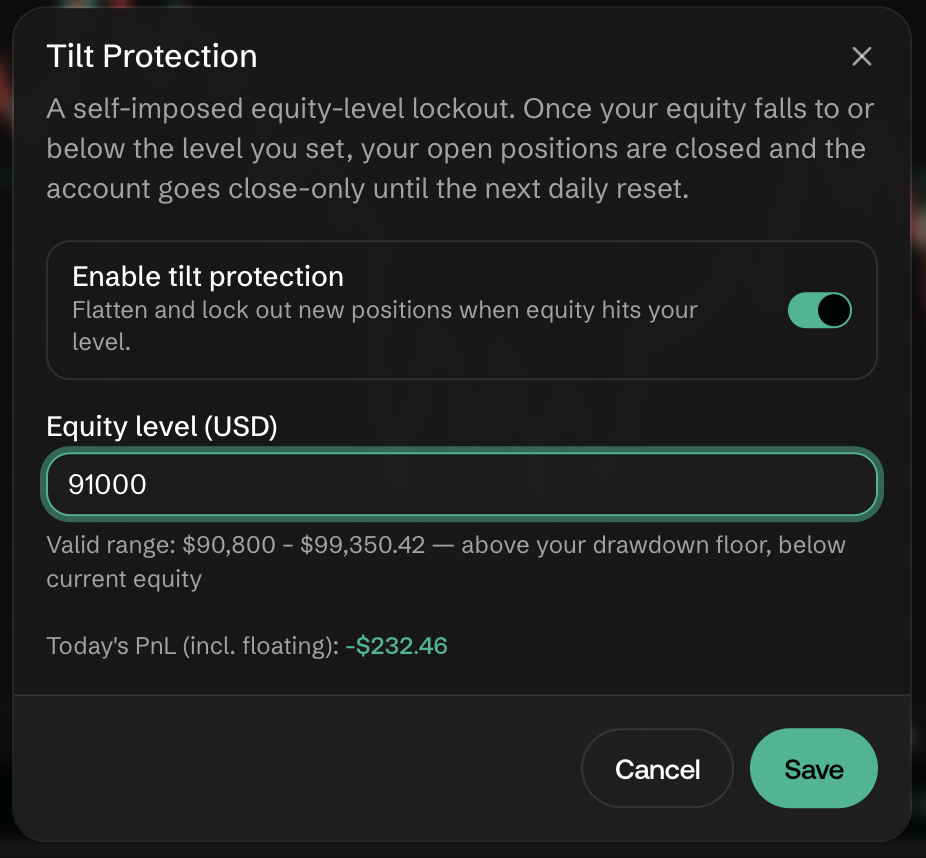
- Tilt Protection (bottom panel → Trade Settings): a togglable safeguard alongside One-Click Trading and Always Expand Order Details. See Platform Features and Orders & Positions.